What does a public Wi-Fi security badge actually prove?
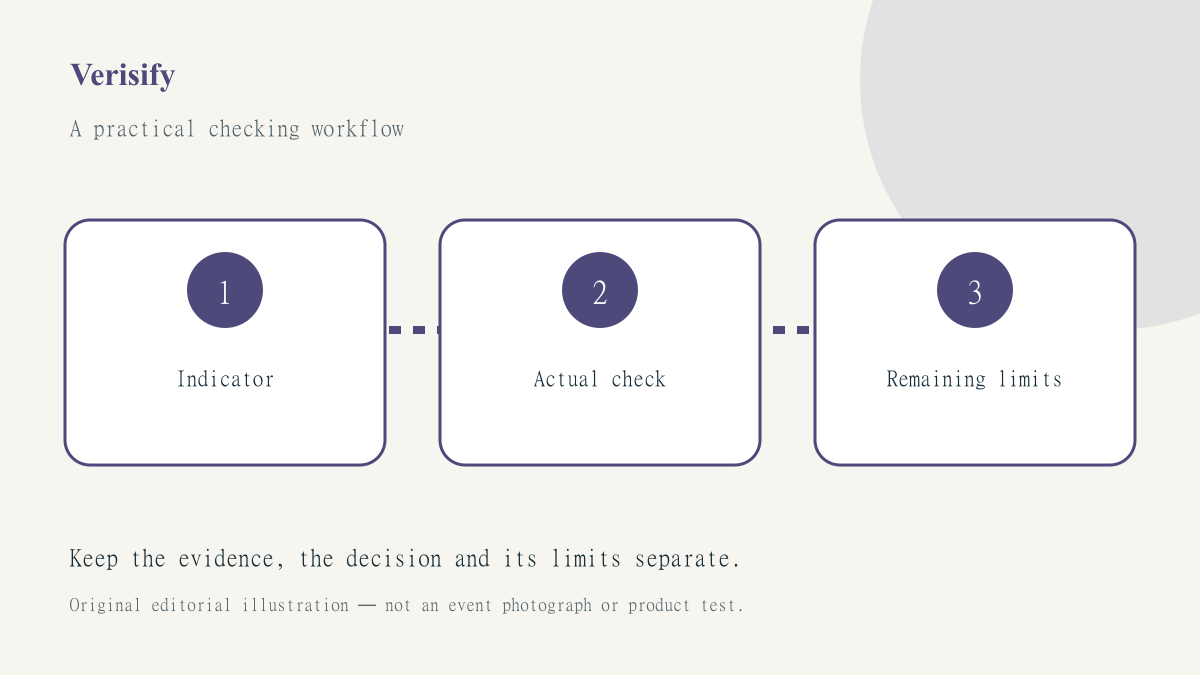
A padlock, shield or connected badge can be a useful interface signal while still answering a much narrower question than a user assumes. Before repeating a statement that a public connection is safe, identify which observation supports it and what important parts of the task remain unchecked. A familiar icon should not become a substitute for a defined claim.
The public Wi-Fi checklist is the starting reference. This Verisify article evaluates the reasoning around connection claims. It is not a security audit, a certification of a venue or an invitation to test networks without permission.
Define the task and the proposed assurance
Write down what the person is trying to do: open a public page, access an account, transfer a document or use an employer service. Then write the assurance being proposed. A claim that the venue confirms the network name is different from a claim that every destination or application is trustworthy. The evidence needed depends on which statement is actually being made.
A hypothetical visitor might say the Wi-Fi is safe because a website displays a padlock. Keep that observation intact, but do not let it answer unrelated questions about the hotspot’s owner, a page’s business identity or the recipient of information submitted through a form. Several checks may be useful without any one becoming a universal verdict.
Verify the network through the responsible route
Use the venue’s genuine information to identify its network and documented sign-in process. A plausible name or strong signal is not a sufficient ownership check. If a portal demands an unfamiliar certificate, profile or utility, do not accept it merely to obtain a successful connection. Stop at browser certificate warnings and use a supported alternative or the responsible provider’s help.
Record what was actually established. Venue staff confirmed this network name is a bounded statement. The whole network has been independently audited is a different claim requiring different evidence. Avoid expanding a helpful ordinary check into a technical assurance the person providing it did not make.
Interpret VPN state within its limits
If someone uses JungleVPN, its current device instructions and actual application state are relevant evidence. They should not be replaced by an old screenshot or a demonstration from another platform. A network change can require a fresh check of the current state before an important task resumes.
The explanation of VPN capabilities and limits helps prevent overstatement. A VPN does not make a fraudulent destination trustworthy or undo information deliberately sent to an impostor. Retain destination and account checks in the workflow instead of treating the connection badge as permission to ignore them.
Describe failures without inventing a cause
If the internet works but a particular service does not, record those two observations separately. The difference may guide investigation, but it does not by itself identify the cause. A user interface reporting connected is useful context, not proof that the service provider, account and every application path have all been ruled out.
Use a bounded process such as the connection troubleshooting guide. Change one authorised variable at a time and preserve the earlier setting when a rollback may be needed. Do not count an outcome obtained by disabling security protections as evidence that the normal protected workflow succeeds.
Publish an evidence statement instead of a slogan
For a hypothetical help card, replace safe connection confirmed with the specific checks actually made and a link to the responsible support route. That wording may be less dramatic, but it gives the next person a reproducible starting point. It also avoids implying that a volunteer’s ordinary assistance amounted to an independent technical assessment.
A useful statement lists the checks performed, their actual results and their limitations. It should distinguish the venue’s information, the application’s report and the user’s destination check. If no formal audit occurred, do not use audit-like badges or language to imply one. A clear limitation is more informative than a promise of risk-free browsing.
Keep the record proportionate and private. A support or verification note does not need passwords, confidential documents or unrelated identity information. If a screenshot is used, retain the relevant error while removing unnecessary private details through an authorised workflow.
Our verification method separates a helpful observation from a broad assurance. A good public-network explanation gives the reader understandable checks and a safe stopping point. It does not pretend that a padlock or VPN badge has settled every question about the activity.